
Hold a key. Talk. Get clean text.
Voice dictation for every app on Windows. Speech recognition runs on your own PC, so your voice is never uploaded.
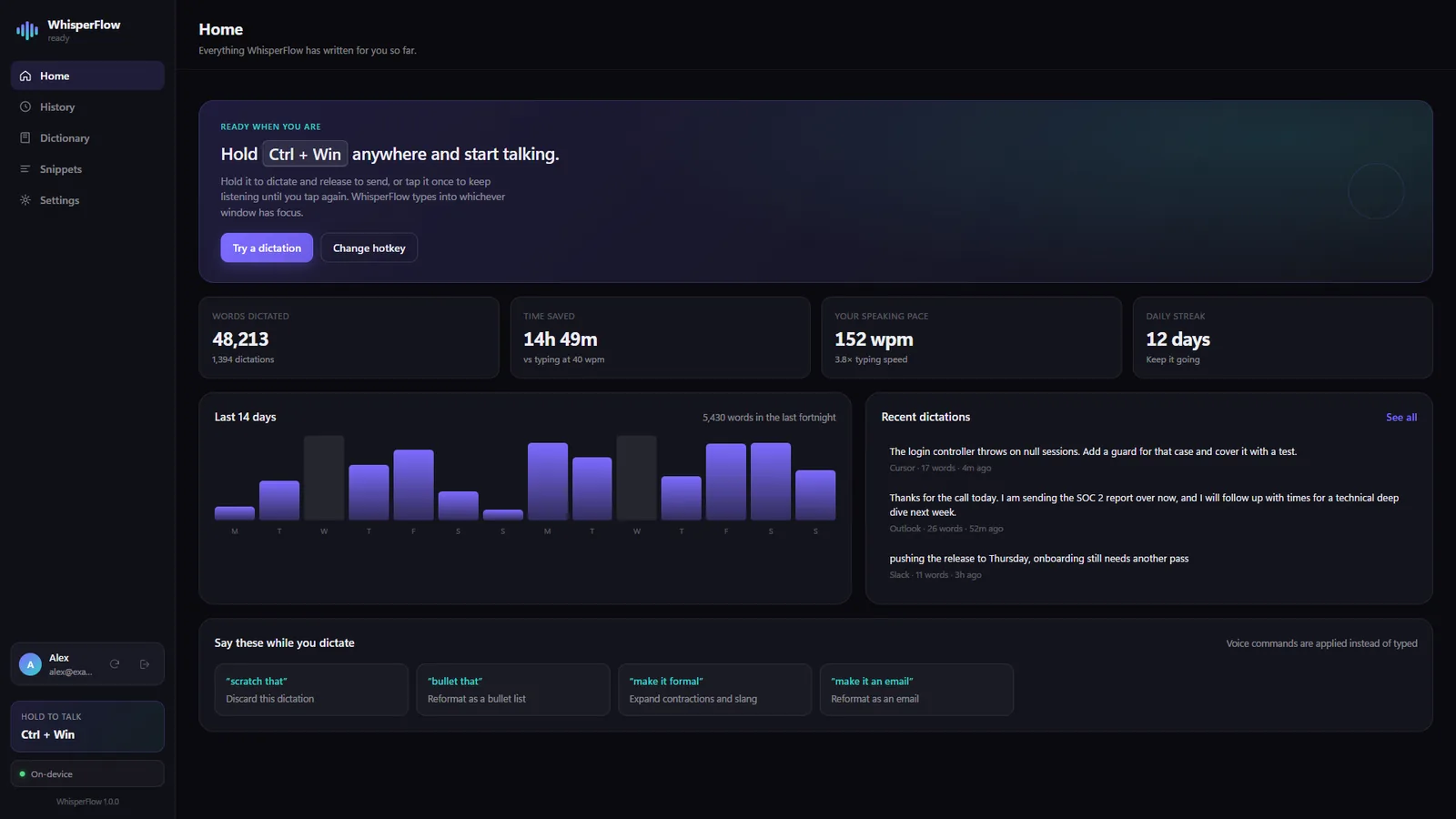
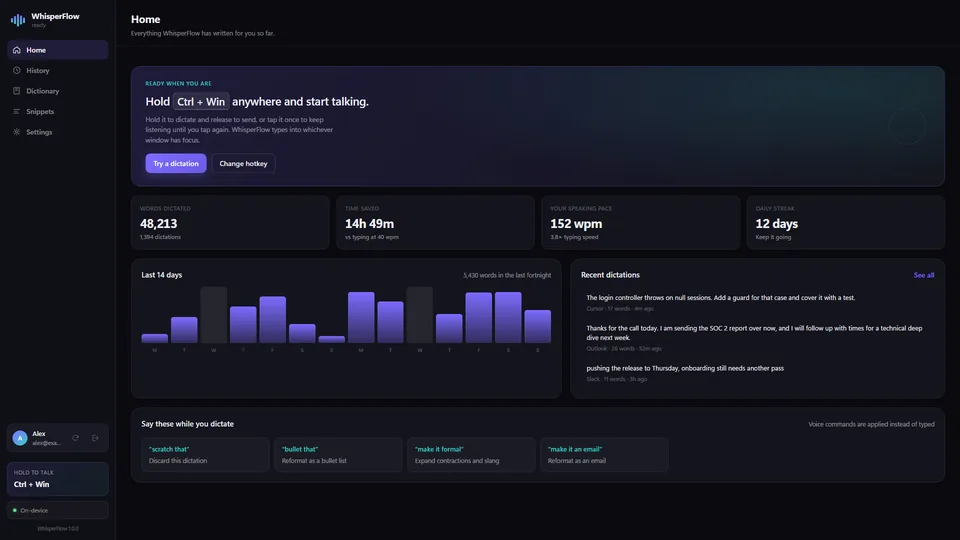
People speak at roughly 150 words a minute and type at roughly 40. WhisperFlow closes that gap: hold a key, say what you mean, let go, and the finished text lands wherever your cursor is. Your editor, your terminal, your email, a chat window.
Every other dictation tool worth using ships your voice to someone else's server. WhisperFlow does not. Recognition runs locally, cleanup is a set of plain rules rather than a language model, and transcripts never sync.
Types into any app
Not a text box you copy from. It types into whichever window has focus, via a global hotkey.
Runs on your PC
Speech recognition is local (whisper.cpp and sherpa-onnx). After the engine downloads, dictation needs no connection at all.
Cleans up after you
Fillers go, punctuation appears. Deterministic rules, so it never rewrites what you meant.
Learns your words
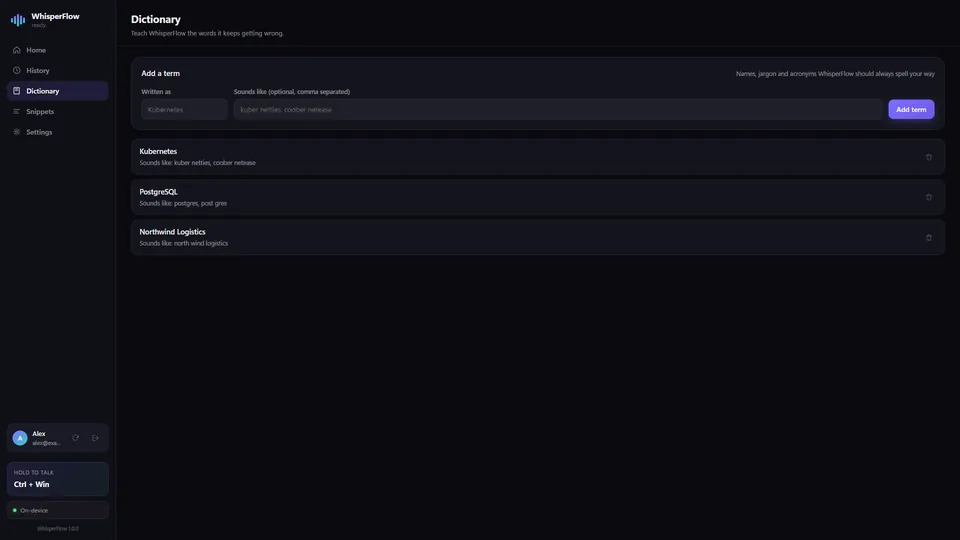
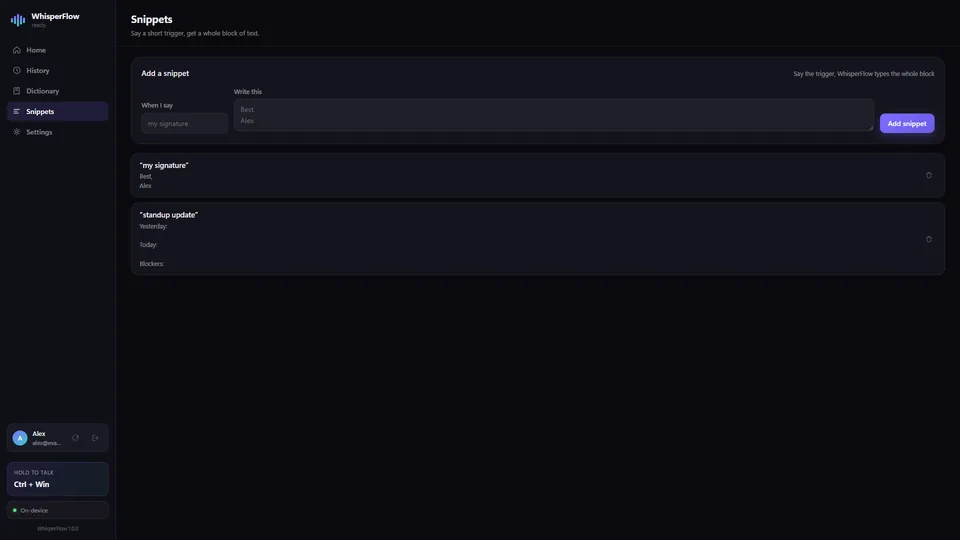
A personal dictionary for names and jargon, and snippets that expand two words into a whole paragraph.
A closer look
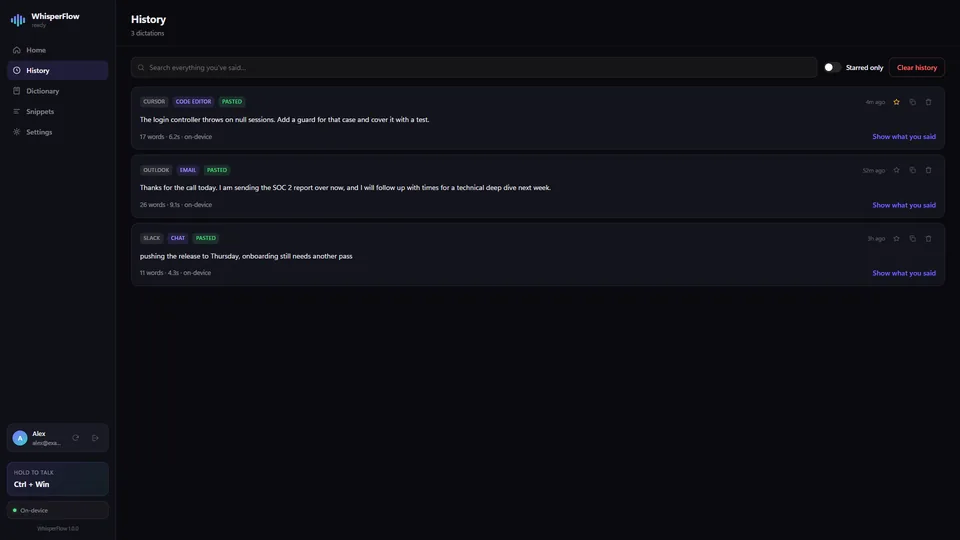
Everything it does
Dictation
- Hold-to-talk or tap-to-toggle global hotkey
- Types into the focused window of any app
- "Scratch that" discards the last dictation
- Voice commands: bullet that, make it formal, make it an email
Recognition
- 99 languages via Whisper
- Faster European and CJK engines available
- Works fully offline once the engine is installed
- Translation to English while you speak
Your vocabulary
- Personal dictionary with "sounds like" hints
- Snippets that expand short phrases
- Settings, dictionary and snippets sync across your own PCs
- Transcripts are never synced
Free for 7 days, then $2/month
Billed through the Microsoft Store. Cancel any time.
- Platform
- Windows 10 and 11
- Category
- Productivity
- Publisher
- Technocrux, on the Microsoft Store
- Legal
- Privacy policy and terms of use
More from DevRide
 CutePetsA companion that lives on your taskbar.
 ConverteXeConvert almost anything. Nothing leaves your PC.
 MeeteXeRecord the meeting. Get the email.
 RecordeXeRecord it. Polish it. Ship it.
 CodeZipperZip your code, not its dependencies.
 MindMapXThink out loud. It arranges itself.
 PomodoroProFocus while a masterpiece paints itself.
 HourlensSee where your hours go, without starting a timer.
 PostDeckWrite once, tailor per platform, get reminded on time.
 TallywiseAll your money in one private place.